|
Oracle Database 12c : Install
2014/10/08 |
|
Install Oracle Database 12c.
|
|
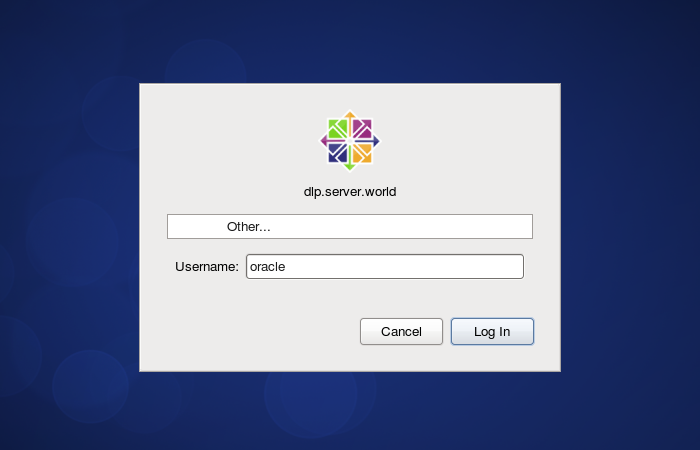
| [1] | Login and work with "oracle" user which you create in previous section. |
|
| [2] |
Download Oracle Databse 12c for Linux and upload on your server.
http://www.oracle.com/technology/software/products/database/index.html |
| [3] | After uploading Oracle files, move to a tmp directory and run an Installer like follows. |
|
[oracle@dlp ~]$ cd tmp [oracle@dlp tmp]$ unzip linuxamd64_12102_database_1of2.zip [oracle@dlp tmp]$ unzip linuxamd64_12102_database_2of2.zip [oracle@dlp tmp]$ ./database/runInstaller
|
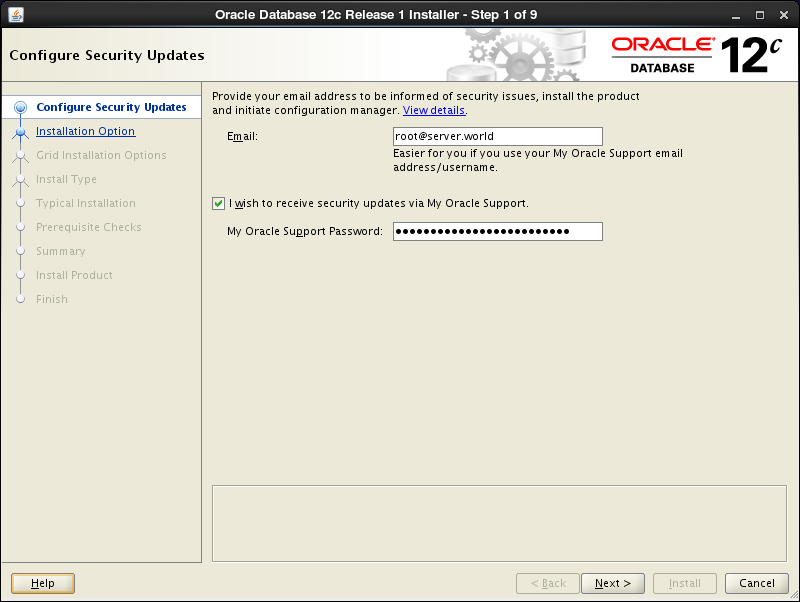
| [4] | Oracle Installer starts like follows. First, Set your email address and password for receiving some infomation from Oracle like security issues and so on. |
|
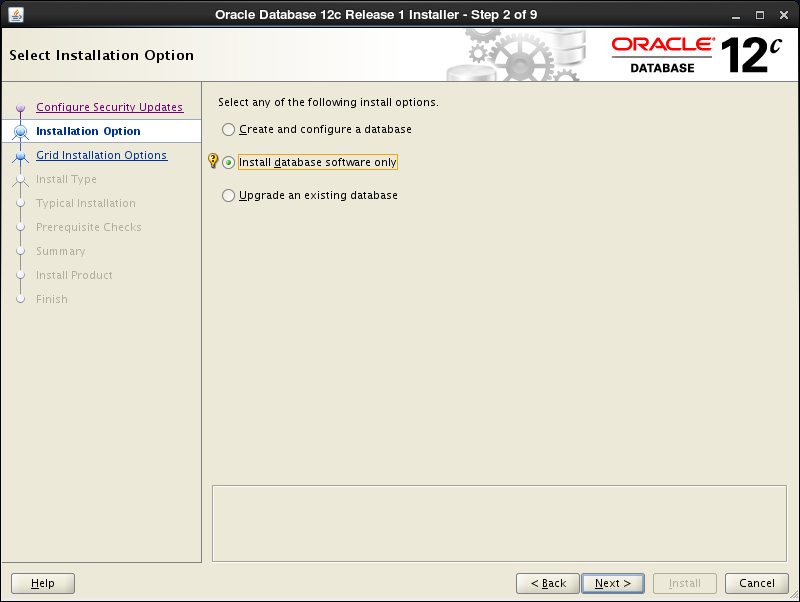
| [5] | On this example, Select "Install database software only". |
|
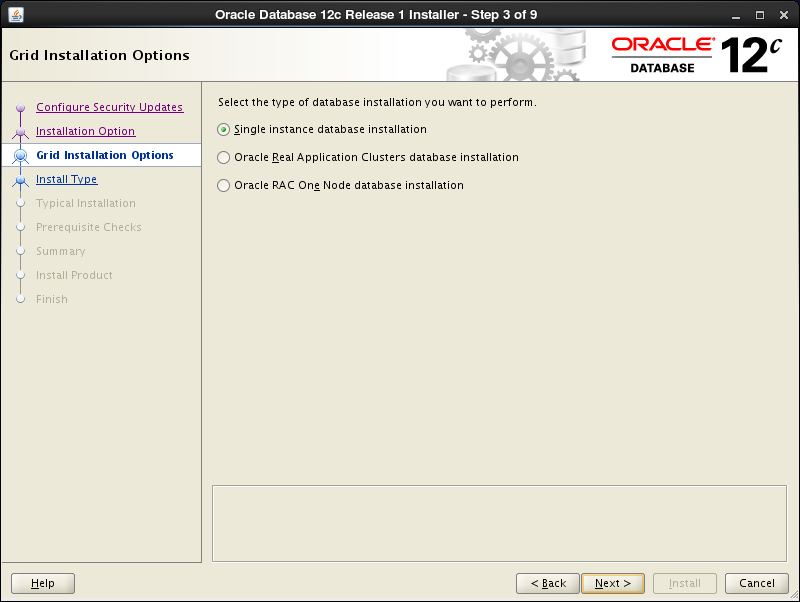
| [6] | On this example, Select "Single Instance Database ***". |
|
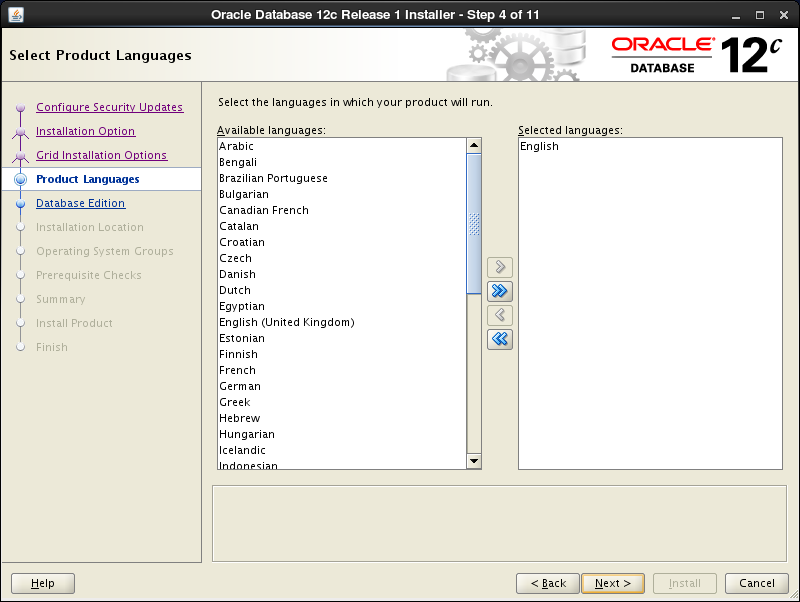
| [7] | Select your language. |
|
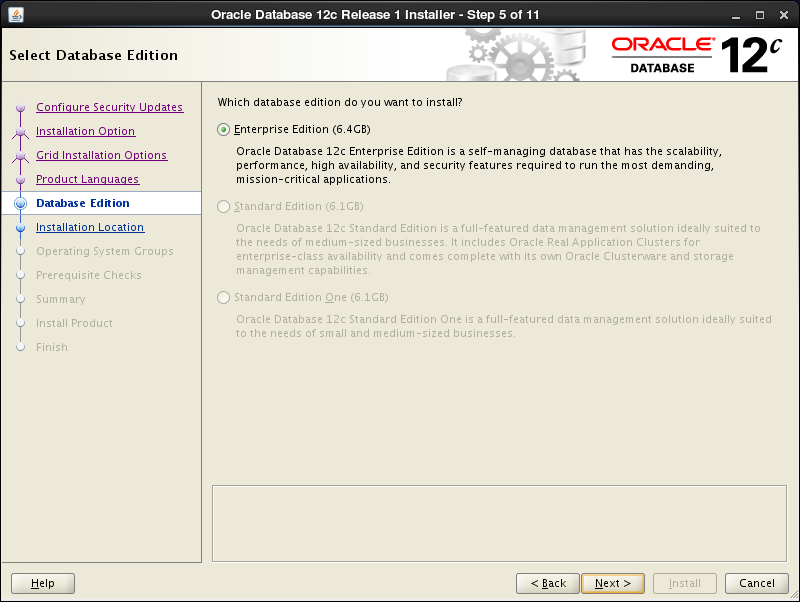
| [8] | Select which edition you install. |
|
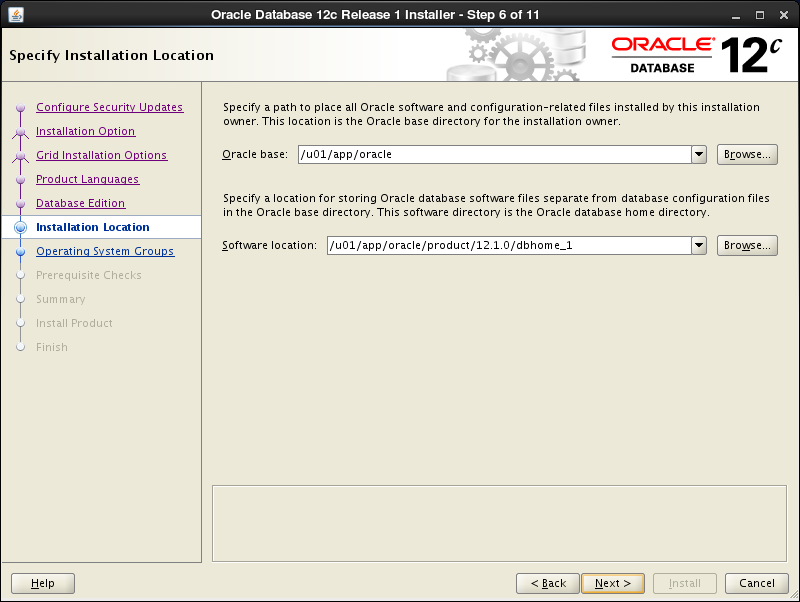
| [9] | Specify the base directory and files for Oracle. On this example, keep default and proceed to next. |
|
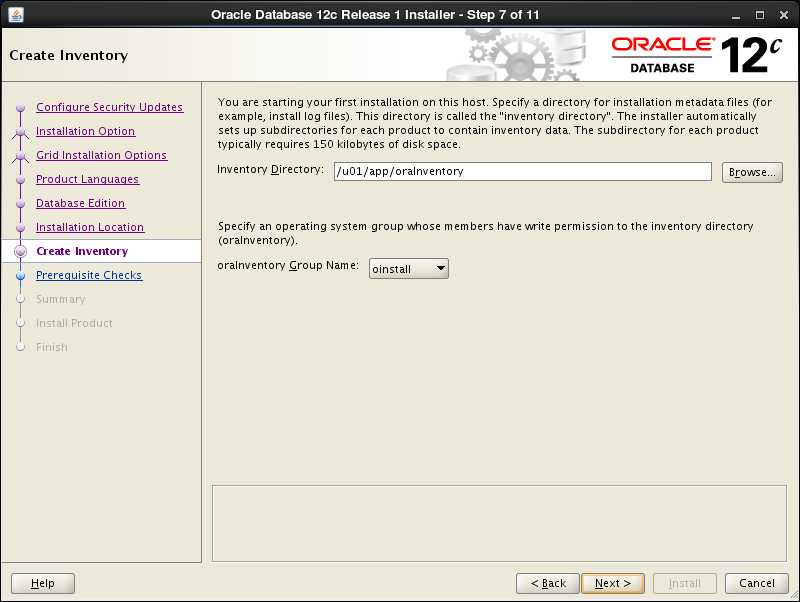
| [10] | Specify the installed directory. On this example, keep default and proceed to next. |
|
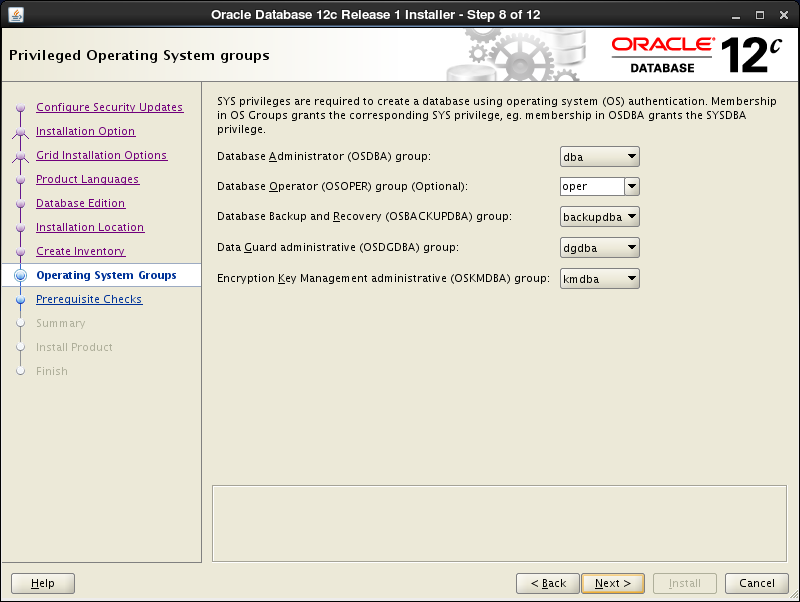
| [11] | Specify the priviledged group. On this example, keep default and proceed to next. |
|
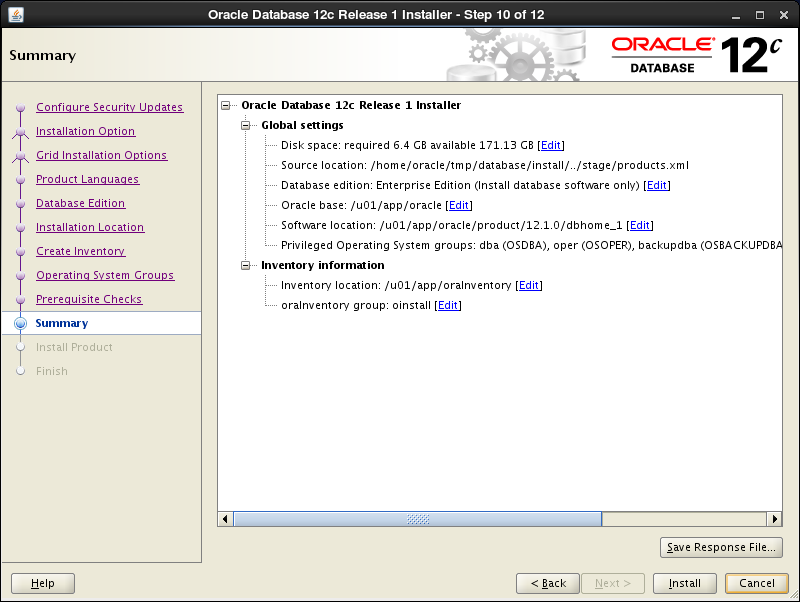
| [12] | The summary is shown for configuration. Click "Finish" if it's OK all. |
|
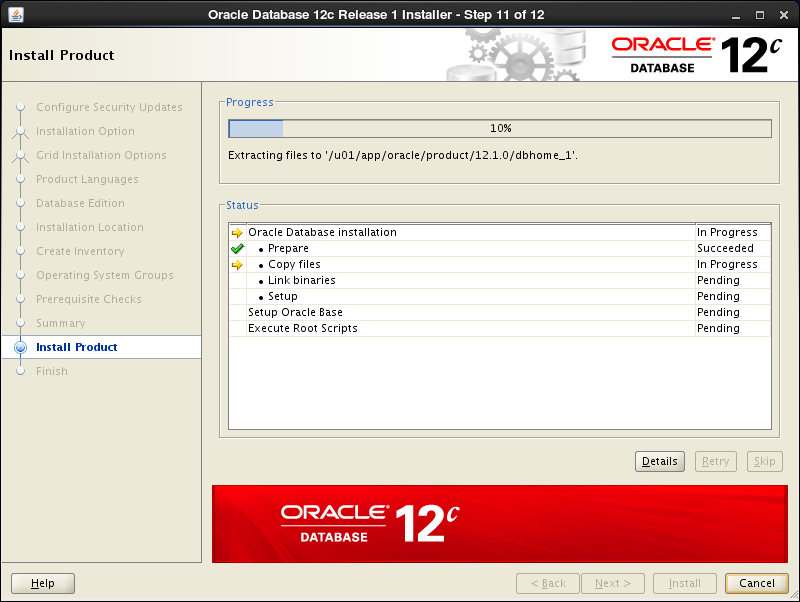
| [13] | Installation starts. |
|
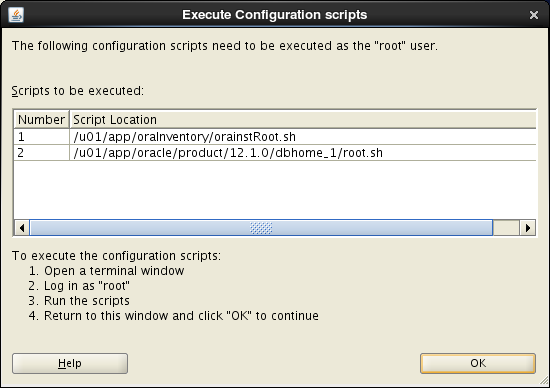
| [14] | Following screen is shown, then open a terminal and execute follwong commands with the root user. |
|
|
[root@dlp ~]# /u01/app/oraInventory/orainstRoot.sh Changing permissions of /u01/app/oraInventory. Adding read,write permissions for group. Removing read,write,execute permissions for world. Changing groupname of /u01/app/oraInventory to oinstall. The execution of the script is complete. [root@dlp ~]#[root@dlp ~]# /u01/app/oracle/product/12.1.0/dbhome_1/root.sh
Performing root user operation.

The following environment variables are set as:
    ORACLE_OWNER= oracle
    ORACLE_HOME=  /u01/app/oracle/product/12.1.0/dbhome_1
Enter the full pathname of the local bin directory: [/usr/local/bin]: # Enter Copying dbhome to /usr/local/bin ... Copying oraenv to /usr/local/bin ... Copying coraenv to /usr/local/bin ... Creating /etc/oratab file... Entries will be added to the /etc/oratab file as needed by Database Configuration Assistant when a database is created Finished running generic part of root script. Now product-specific root actions will be performed. |
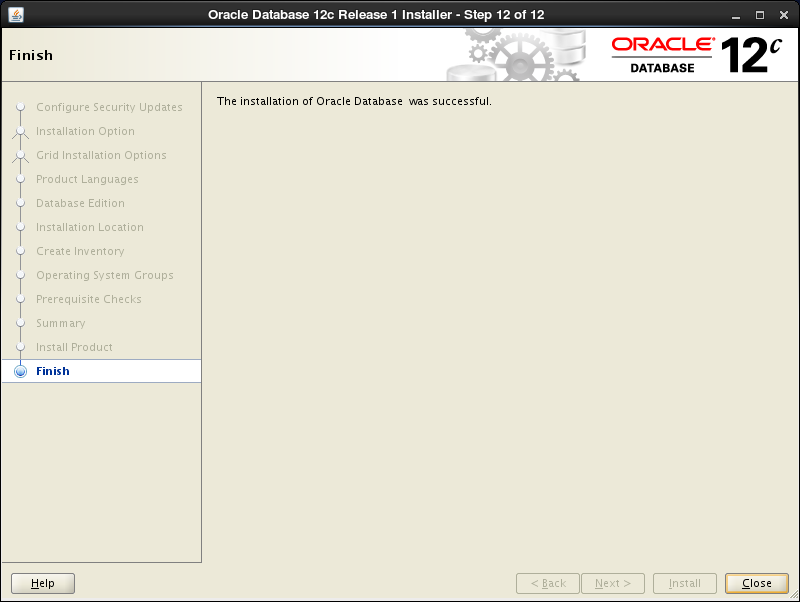
| [15] | Installation completed. Click "Close" button. |
|
| [16] | Configure some settings for Oracle user. |
|
[oracle@dlp ~]$
vi ~/.bash_profile # add follows to the end
export ORACLE_HOME=/u01/app/oracle/product/12.1.0/dbhome_1
export PATH=$PATH:$ORACLE_HOME/bin source ~/.bash_profile [oracle@dlp ~]$ rm -rf tmp
|